Themeremedy

See it work

This is the real report, generated from a real Shopify theme. No install, no email address, no form.
Open the live sample report
A short screen recording: the report loads with its summary counts, a finding is expanded to reveal the replacement code, and the copy button is used.
The core loop, start to finish, in about seven seconds.

The summary

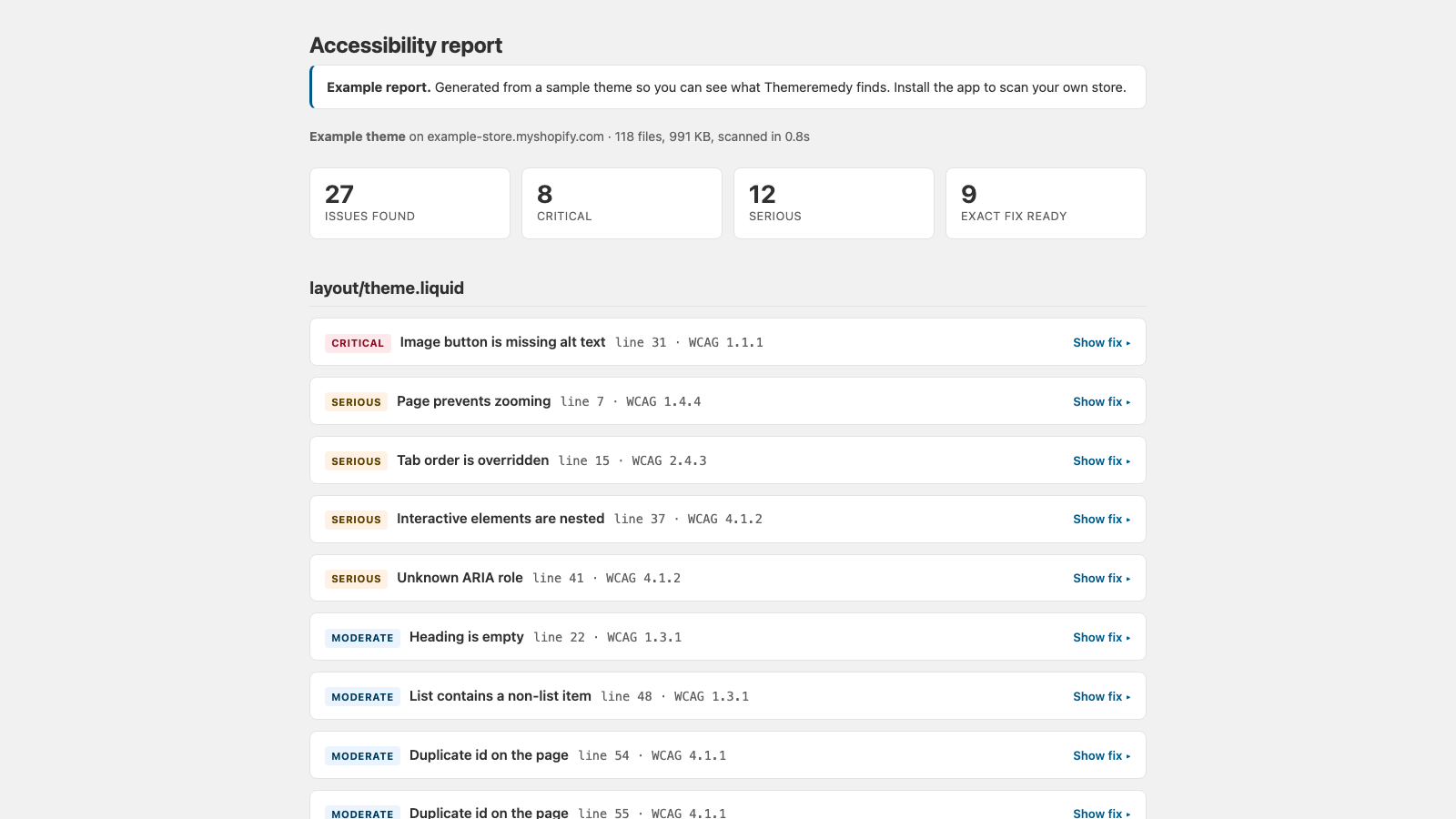
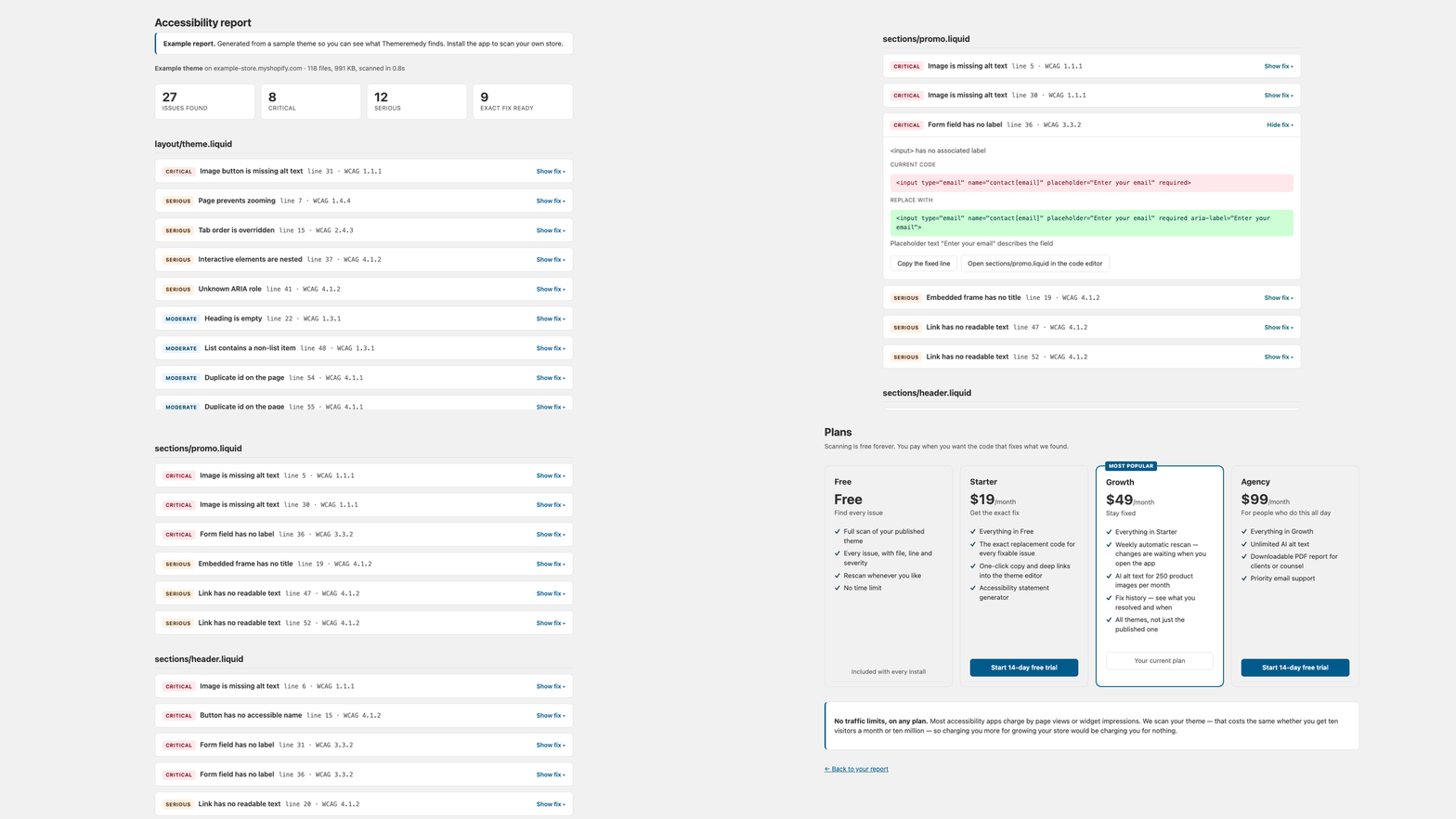
Summary cards showing 27 issues found, 8 critical, 12 serious, and 9 fixes ready to apply.
What was found, how bad it is, and how much of it we can hand you code for.

The fix

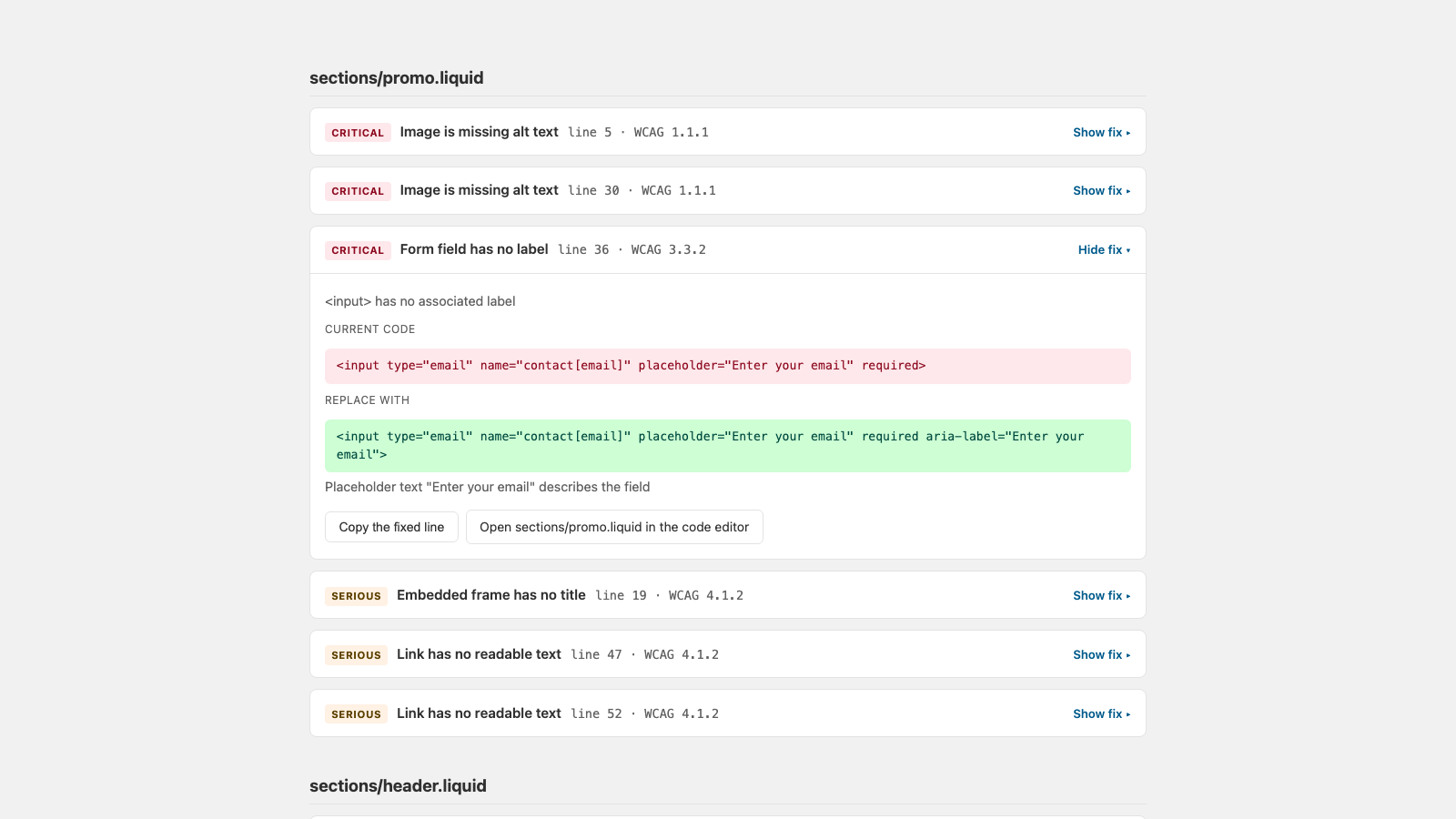
A finding expanded to show the current code and the replacement code, with a copy button and a link that opens the file in the Shopify theme editor.
The current code, the replacement, a copy button, and a link straight to the file.

The findings

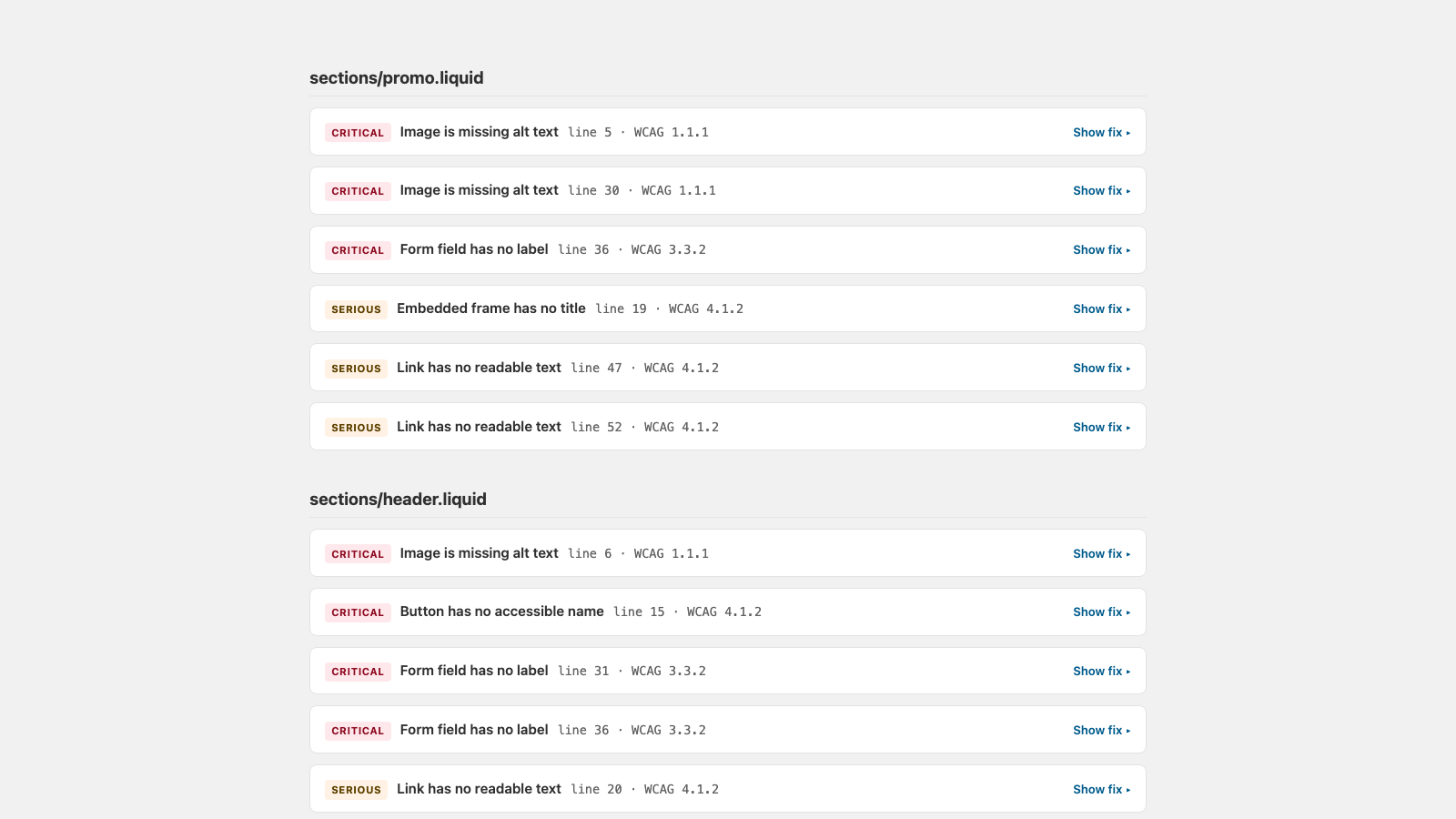
Findings grouped under a file heading, each with a severity badge and a line number.
Grouped by file, so you fix a file at a time rather than jumping around.

The part other tools leave out

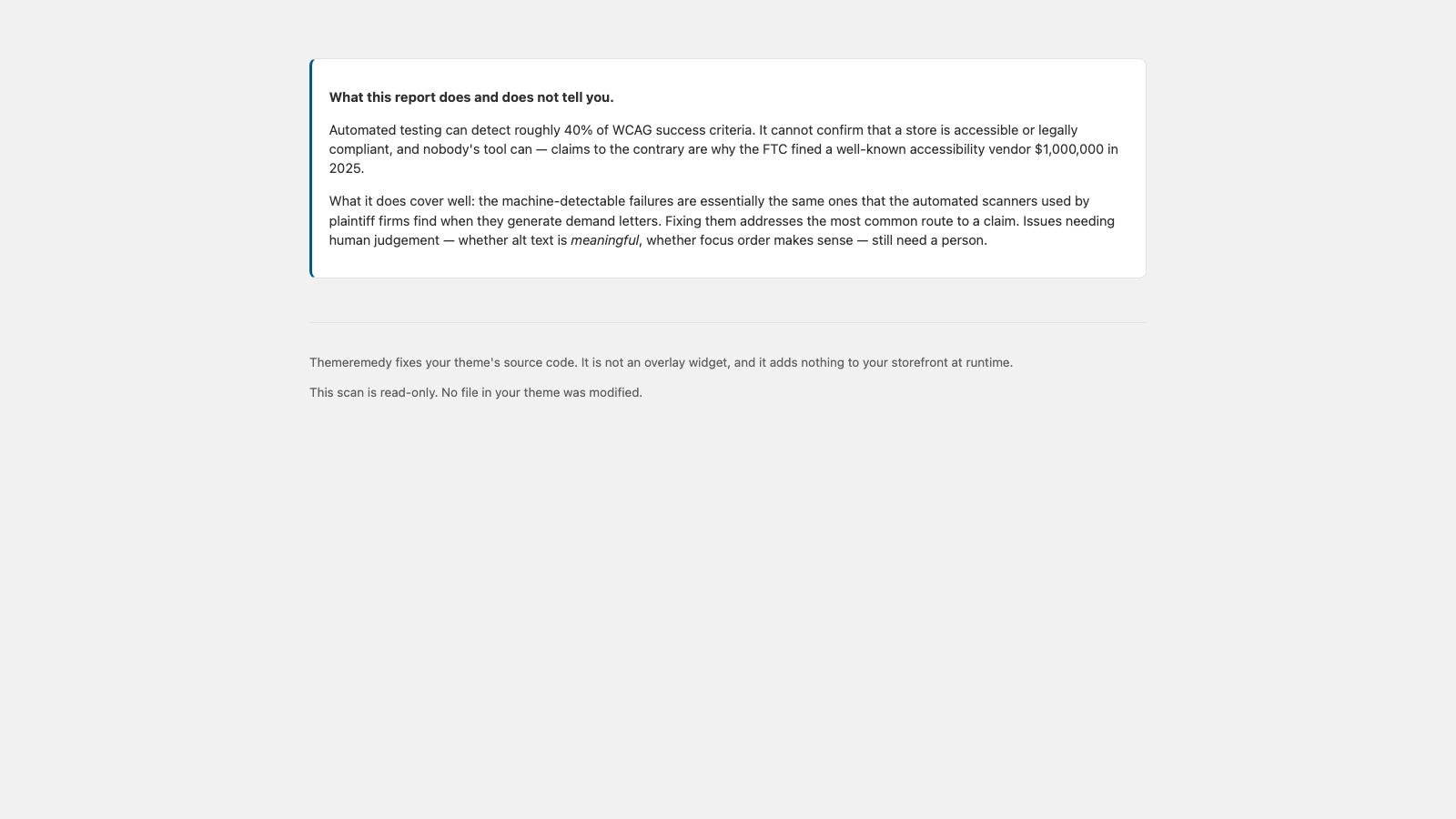
A panel headed 'What this does and does not tell you', listing the categories of accessibility problem the automated scan cannot detect.
Every report ends here: a plain statement of what the scan could not check.

Also in the app

AI alt text

Generated for product images, then held for your review before anything is written. Product media is the one thing Shopify does let us write.

Accessibility statement

A generated statement for your store that names the issues still open, rather than implying everything is resolved.

Fix history

What you resolved and when, so the work is visible over time and after a theme update.

See a real reportPricing